Launch
Last updated: July 9, 2026
The Launch step is where your project goes live. You can collect responses over a webchat link or an embedded chat widget — use whichever meets your audience where they already are.
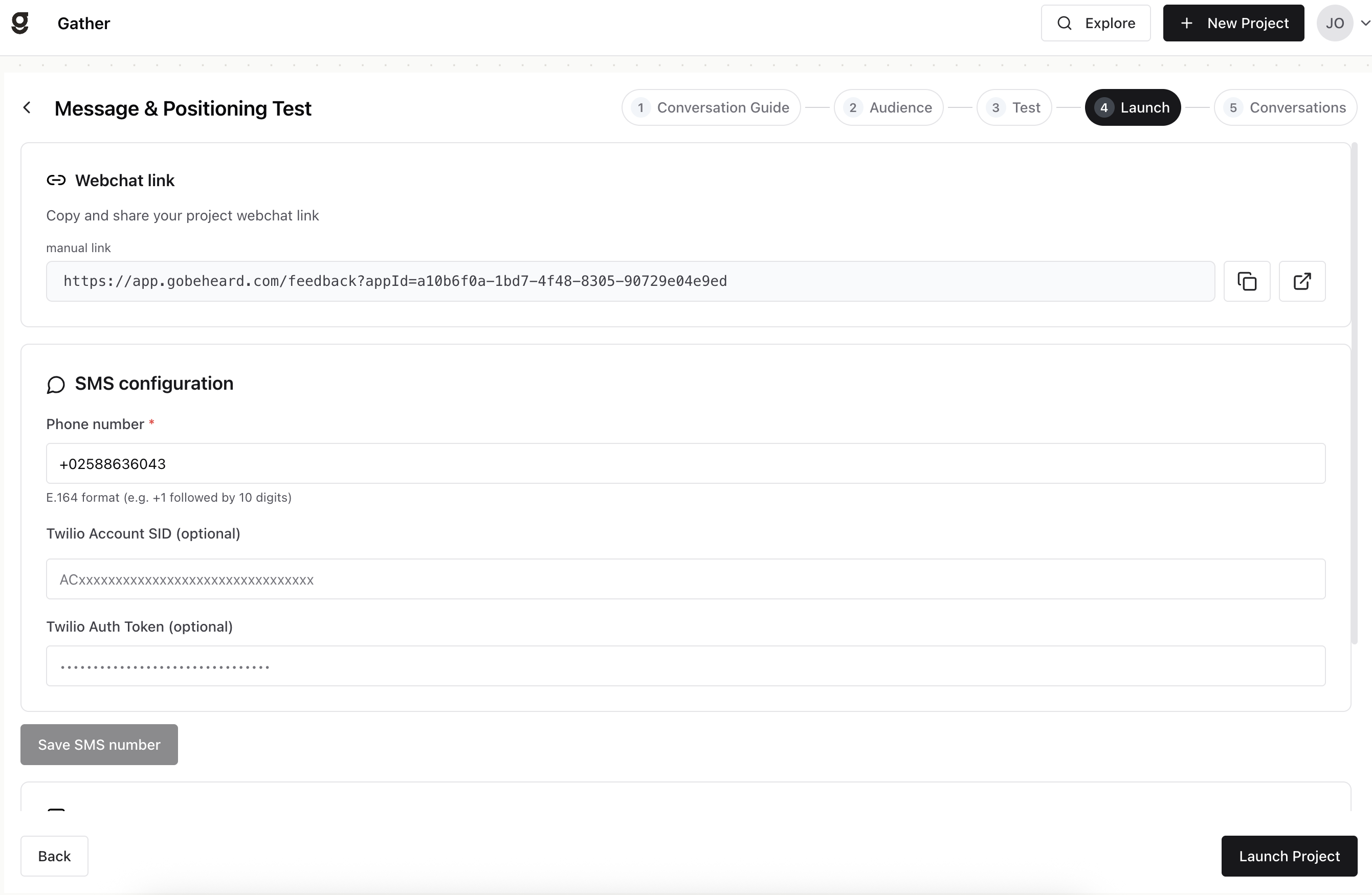
Webchat link
Copy and share your project’s webchat link anywhere — by email, on social, in a QR code, or on your website. Use the copy and open buttons next to the link.
When to use it: the fastest way to start collecting — share it anywhere you already reach your audience, no setup required.
Chat widget
Run your project directly on your own website by embedding it as a chat widget. Use Copy Code to grab the snippet, View Code to preview it, and Advanced to adjust how the widget behaves before you add it to your site.
When to use it: when you want to capture feedback from people already on your site, in context, without sending them somewhere else.
When you are ready, click Launch Project. For Research and synthetic audiences, distribution begins automatically once you launch.