Audience
Last updated: July 9, 2026
The Audience step is where you choose who takes part in your research. Click Add audience to pick a source. You can combine several audiences in one project, and each appears in a table showing its Type, Source, Summary, and Size.
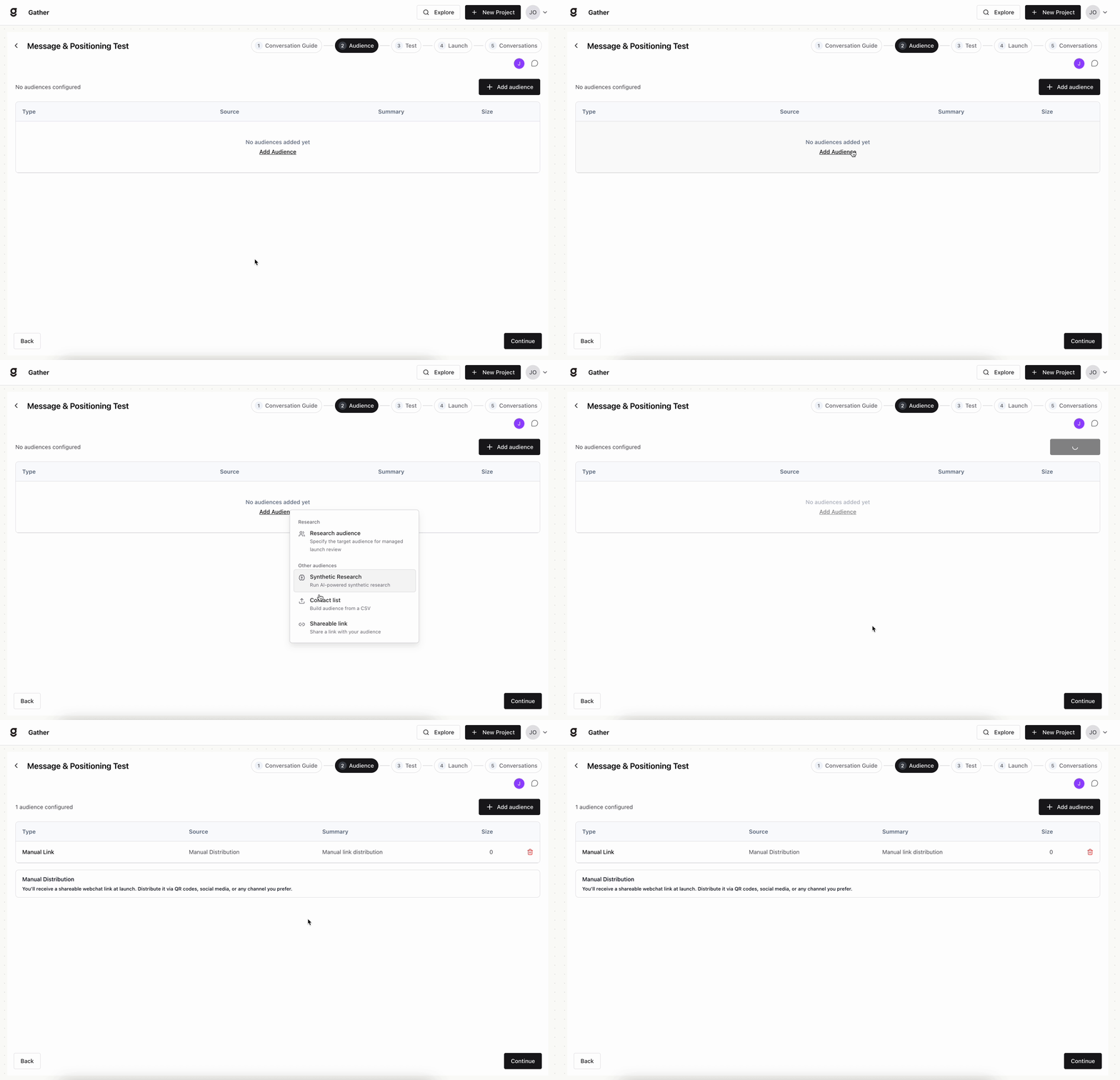
Audience sources
Each source answers a different research need — pick based on who you need to hear from and how fast:
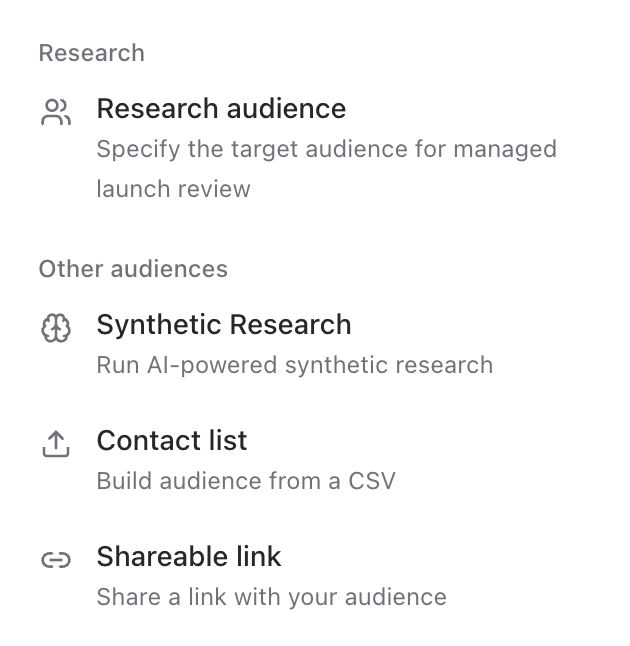
Research audience — Specify the target audience you want to reach and Gather sources verified respondents for you through a managed launch review. This is how you reach people beyond your own customer base.
When to use it: when you need feedback from people who aren’t already your customers — prospects, a target market, or a segment you want to break into.
Synthetic Research — Run AI-powered synthetic interviews to pressure-test your study before going to real people.
When to use it: to sanity-check your questions and flow before you spend real responses — a fast, low-cost first pass that catches problems early.
Contact list — Build an audience from a CSV of your own contacts.
When to use it: when you specifically want to hear from your own customers or a known list, and you already have their details.
Shareable link — Generate a link you can share anywhere with your audience.
When to use it: when you’d rather collect responses in the wild — post it, embed it, or email it — without managing a contact list.
Tip: start with a synthetic run to validate your questions, then reach real people through a Research audience, your own contact list, or a shareable link.